

QR menu and order management for cafés and restaurants
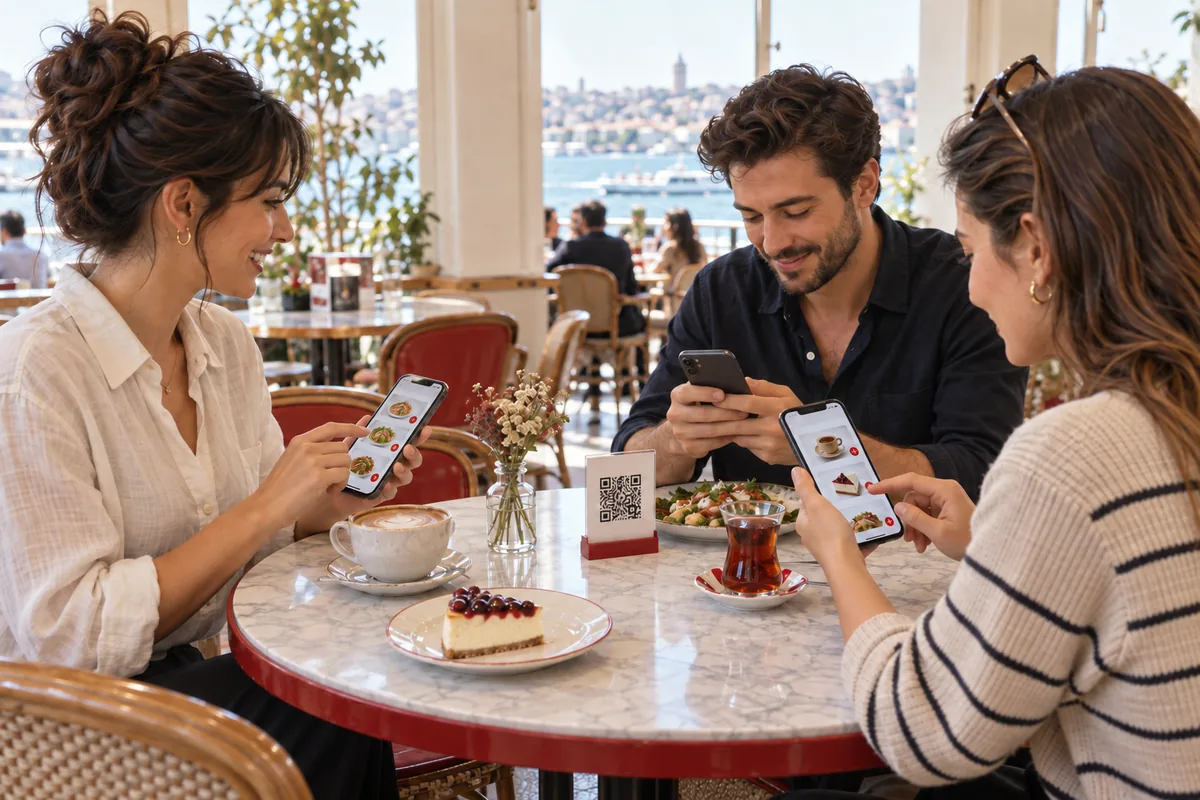
QR menu ordering at the table, every order in one panel.
Guests order without waiting and pay the bill together or separately.
Manage table, phone, takeaway and delivery orders in one panel. Keep track of payments and make day-to-day operations easier.
Try it free for 7 days. No credit card required.
- No app to download — runs in the browser
- A separate QR code for every table
- Panel in English, German or Turkish
Good to know: Menux is built for restaurants in Türkiye today. Menu prices are shown in Turkish lira (₺), and the delivery-platform integrations connect platforms operating in Türkiye.
A QR menu that fits your business.
- Cafés
- Restaurants
- Eateries
- Pastry shops
- Breakfast spots
- Hotel restaurants
- Bars
- Snack bars
QR menu
Set up your QR menu to match your brand.
Your menu opens with your logo, business name and welcome text.
Add products with photos, prices and options; guests can read the menu in their own language.
Coffee & dessert
-
 Filter coffee Coffee of the day85 ₺
 -
 Cheesecake Raspberry cheesecake slice160 ₺
 -
 Tea + water Brewed tea and bottled water65 ₺
Markaniz-Misafir
Menu prices are shown in Turkish lira (₺).
- Your brandLogo, business name, welcome text and opening hours.
- Your productsPhoto, price, portion and extra options; calories and preparation time.
- Allergens and dietLabels such as gluten, dairy or vegan. Your business enters them; Menux does not verify them.
- Language and Wi-FiEnglish, German and Arabic translations for the Turkish menu; Wi-Fi name and password in the menu.
Table ordering
Take orders at the table and split the bill flexibly.
Guests open the menu with the QR code on the table and send their order from their own phone.
The table number comes from the QR code. The bill is settled at the till: in one go, split equally, by item or in amounts you choose.
- OrderingEveryone at the table orders from their own phone, with their own cart.
- Calling staffA request for a waiter, water or service reaches the panel with one tap.
- Asking for the billThe guest asks for the bill and says whether they will pay cash or by card.
- Splitting the billThe till settles the bill in one go, equally, by item or in amounts you choose.
-
Filter coffee85 ₺
-
Cheesecake160 ₺
-
Tea + water65 ₺
Panel · Table 5 orders
- No orders yet. Place an order from a phone.
Table total 0 ₺
How should the bill be settled?
One person pays the whole bill.
- Anna · Table 5 · allCredit card310 ₺Paid
Everyone pays for their own items.
- Anna · Filter coffeeCredit card85 ₺Paid
- Ben · CheesecakeMeal card160 ₺Paid
- Clara · Tea + waterCash65 ₺Paid
The bill is split equally by the number of people; any cent difference goes on the last share.
- Share 1/3Credit card103,33 ₺Paid
- Share 2/3Cash103,33 ₺Paid
- Share 3/3Bank transfer103,34 ₺Paid
You set the amount; quick buttons for 25%, 50% and 75% are available too.
- 50%Credit card155 ₺Paid
- RemainderCash155 ₺Paid
Each payment can use a different method. You take card and meal-card payments on your own terminal; Menux records the amount and the method.
Delivery and takeaway
Delivery, takeaway and platform orders in one panel.
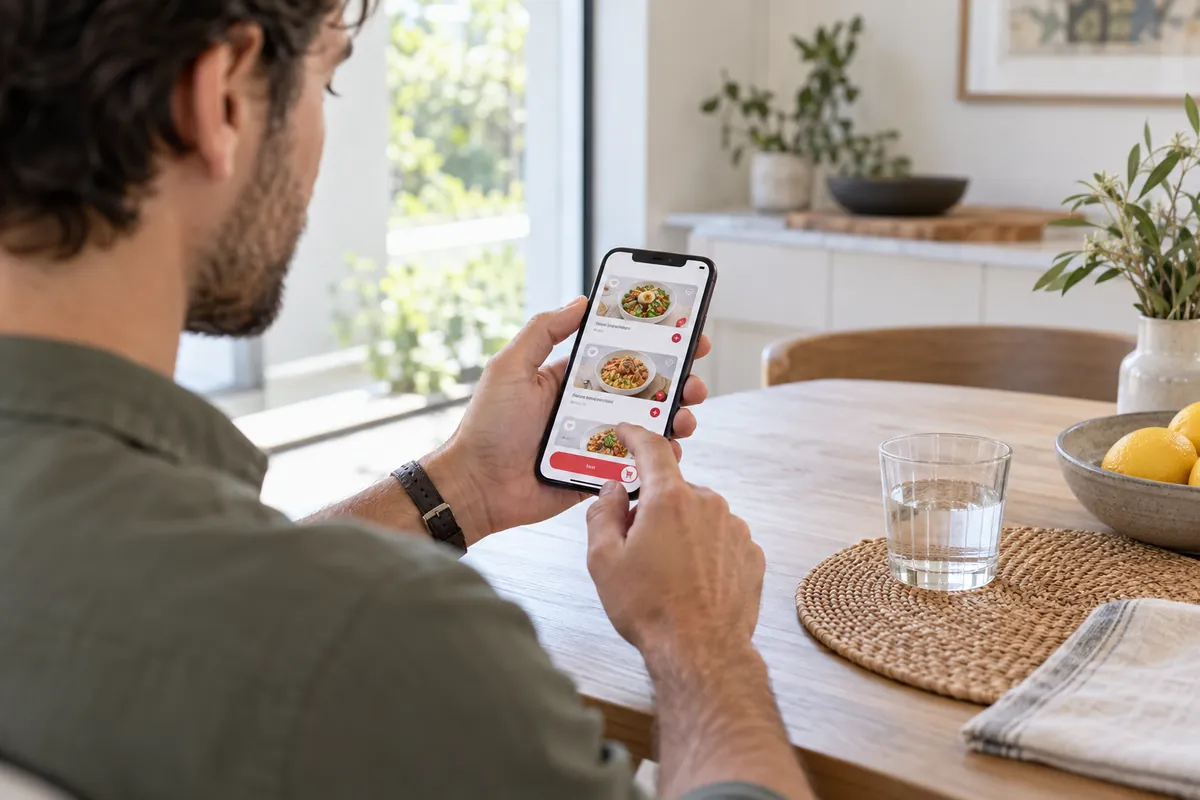
Your team records phone, takeaway and delivery orders in the panel.
From preparation to delivery and payment, you follow every order in one place. Orders from delivery platforms in Türkiye arrive through integrations.
- #1041 · Table 5QR menu 310 ₺
- #1042 · PhoneDelivery 210 ₺
- #1043 · YemeksepetiDelivery platform (Türkiye) 190 ₺
- #1044 · Migros YemekDelivery platform (Türkiye) 275 ₺
- #1045 · TakeawayTill 120 ₺
- #1046 · Trendyol GoDelivery platform (Türkiye) 160 ₺
- #1047 · Getir YemekDelivery platform (Türkiye) 145 ₺
Total 7 orders · 1.410 ₺
- Phone orders
Find a saved customer by name or number and pick their address. There is no phone-system link; the number is searched by hand.
- Couriers and zones
Delivery zones, courier assignment, a courier screen and end-of-day courier settlement.
- Order tracking
Delivery orders get a tracking link you can pass on to the customer.
The platform integrations connect Yemeksepeti, Getir Yemek, Trendyol Go and Migros Yemek, which operate in Türkiye; you need your store credentials from each platform. Platforms in other countries are not connected. Menux has no separate online ordering page for your business; the QR menu is linked to a table.
Team
Kitchen, service and till working together.
An order reaches the kitchen, service and till screens as one record.
Placing an order does not mean it has been paid; payment status is tracked separately.
- PIN and rolesLog in with a 6-digit PIN; manager, cashier, waiter, kitchen and custom roles.
- AreasLink staff, tables and categories to areas such as dining room, terrace or bar.
- PrintersOrder tickets go to the right network printer by area and category.
- Shifts and day endOpen and close shifts; run X and Z reports (software reports, not fiscal records).
The kitchen screen shows waiting and preparing orders.
- Dining room · Tables 1–15Anna, Tom
- Terrace · Tables 16–24Lisa
- BarMax · Bar printer
Payments
Take guest payments your own way and keep them on record in Menux.
The method, amount and staff member are recorded for every payment.
- Recorded at the till
Cash, bank transfer and open-account (on credit) payments are recorded with their amount.
- Cards and meal cards
Taken on your own card or meal-card terminal; Menux only records the method. There is no integration with terminals or card companies.
- Platform orders
Orders paid on a delivery platform in Türkiye arrive with the payment information sent by the platform.
- Online payment
Menux does not take online payments from your guests; the QR menu has no card payment step.
- Comps and returns Complimentary items, cancellations and returns appear in a separate report.
- Cash and bank accounts Payments are posted to your cash and bank accounts; income, expense and transfer entries.
- Loyalty A programme in which saved customers collect stamps or points.
In sales to your guests you are the seller; you take payment with your own till, terminal and accounts. Paying CXR for the Menux subscription is separate from your guests’ payments.
QR codes and address
A QR code for every table, an address for your restaurant.
Your menu and panel open at a Menux address of your own.
Print each table’s QR code from the panel with ready-made table-card designs; the QR code carries the table number into the menu.
- Five ready-made table-card designs to print.
- Menu and panel run in the browser; no app to download.
Reports
Keep track of sales and how busy you are.
See daily and weekly sales, tables and best-selling products at a glance.
- Revenue
- 1.400 ₺
- Orders
- 7
- Avg. bill
- 200 ₺
Revenue by hour (₺)
| Table | Bills | Revenue |
|---|---|---|
| Table 5 | 2 | 520 ₺ |
| Table 2 | 2 | 410 ₺ |
| Table 16 | 1 | 260 ₺ |
| Other tables | 2 | 210 ₺ |
Avg. seating time: 52 min
| Product | Qty | Revenue |
|---|---|---|
| Filter coffee | 6 | 510 ₺ |
| Cheesecake | 3 | 480 ₺ |
| Tea + water | 4 | 260 ₺ |
| Other products | — | 150 ₺ |
Gross profit · Daily Based on the costs you enter for products
- Revenue
- 1.400 ₺
- Product cost
- − 430 ₺
- Gross profit
- 970 ₺
- Revenue
- 11.850 ₺
- Orders
- 64
- Avg. bill
- 185 ₺
Revenue by day (₺)
| Table | Bills | Revenue |
|---|---|---|
| Table 5 | 15 | 3.120 ₺ |
| Table 2 | 12 | 2.480 ₺ |
| Table 16 | 9 | 1.950 ₺ |
| Other tables | 28 | 4.300 ₺ |
Avg. seating time: 47 min
| Product | Qty | Revenue |
|---|---|---|
| Filter coffee | 41 | 3.485 ₺ |
| Cheesecake | 22 | 3.520 ₺ |
| Tea + water | 30 | 1.950 ₺ |
| Other products | — | 2.895 ₺ |
Gross profit · Weekly Based on the costs you enter for products
- Revenue
- 11.850 ₺
- Product cost
- − 3.640 ₺
- Gross profit
- 8.210 ₺
- Sales summary
- Hour and day busyness
- Table report
- Staff performance
- Products and categories
- Menu engineering
- VAT and payments
- Stock
- Shifts, X and Z
Reports can be sent by scheduled email; an accountant pack is prepared as an Excel file.
CXR AI Coming soon
AI support for Menux is on its way.
The features below are not yet available in Menux.
-
Menux expert Coming soon
Prepare your menu with AI
You will describe your business; the expert will help you write your categories and product descriptions.
-
Brand assistant Coming soon
Your guests ask, your assistant answers
It will answer your guests’ questions with the menu information you share.
-
Shared brand memory Coming soon
One CXR account, a shared brand memory
Your business details, logo and content will be usable across CXR apps.
Your subscription includes 1,000 free CXR AI credits every month. Additional credit packs are available if you need more.
CXR
One CXR account
You start and manage your Menux subscription and 7-day free trial from your CXR account. With the same account you can subscribe to other CXR apps too; each app is charged separately.
You log in to the restaurant panel at your restaurant’s own address with a staff PIN, not with your CXR account.
- Subscription, renewal and invoices in one account
- Each app has its own free trial
- The apps run in the browser on computers, tablets and phones.
Pricing
Start with your own menu
Add your products, set up your menu and discover Menux by using it in your business.
Get started in three steps
- 01Sign up for free.
Open your CXR account and start Menux’s 7-day free trial. No credit card required.
- 02Set up your menu.
Add your categories, products and tables in your restaurant panel.
- 03Put the QR codes on the tables.
Print each table’s QR code from the panel and let orders come into your panel.
Discover the other CXR apps.
Subscribe to the other apps with the same CXR account. Each app is charged separately.
Blog and Guides
Guides on QR menus, order flow and choosing ready-made software.
-
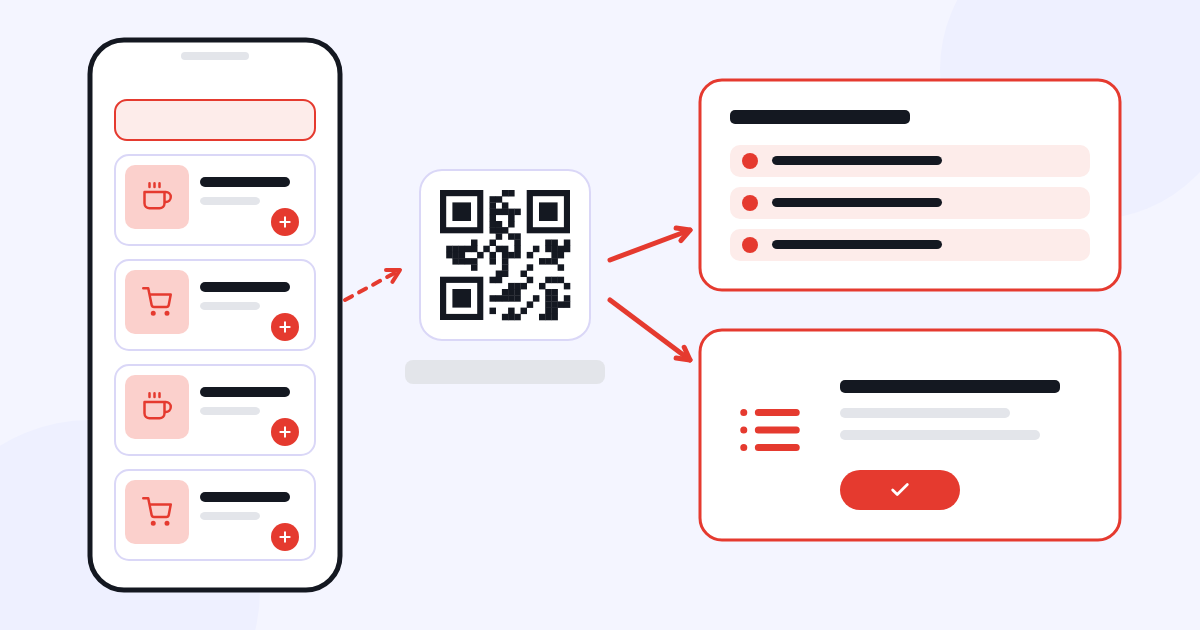 What is the difference between a QR menu and online ordering?
Showing a menu and managing orders inside the business meet different needs.
Read the article →
What is the difference between a QR menu and online ordering?
Showing a menu and managing orders inside the business meet different needs.
Read the article →
-
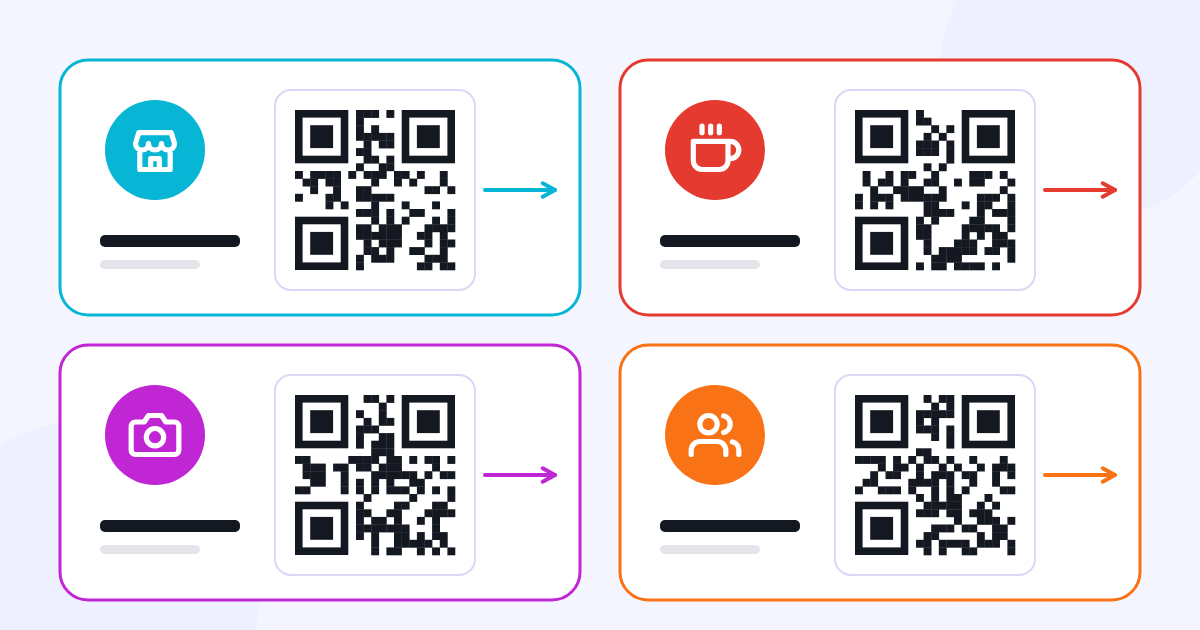 Which industries use QR code technology?
Choose the page behind the QR code according to what the customer needs to do.
Read the article →
Which industries use QR code technology?
Choose the page behind the QR code according to what the customer needs to do.
Read the article →
-
 What do SaaS tools offer businesses? What to check before you start
Before starting with ready-made software, review your workflow, the scope and the terms of use.
Read the article →
What do SaaS tools offer businesses? What to check before you start
Before starting with ready-made software, review your workflow, the scope and the terms of use.
Read the article →
Frequently asked questions
What kinds of businesses is Menux suitable for?
Menux suits cafés, restaurants, eateries, pastry shops and breakfast spots. It can also be used in hotel restaurants and bars. From QR menu ordering to payment records and business reports, it lets you follow day-to-day operations in one panel. Today Menux is built for restaurants in Türkiye: menu prices are shown in Turkish lira (₺).
How does the QR menu work?
Your guests scan the QR code on the table and the menu opens in their phone’s browser; no app download is needed. The table number comes from the QR code, so nobody has to type it. The order goes to your panel and the relevant screens.
Can people order from different phones at the same table?
Yes. Each phone has its own cart; everyone at the table can place their own order. The orders are collected on the table’s bill.
How can we split the bill?
The bill is settled at the till: as a single bill, split equally by the number of people, by item, or in custom amounts (including quick 25%, 50% and 75% buttons). Each payment can use a different method. Guests can ask for the bill from the QR menu and say whether they will pay cash or by card; the QR menu does not take online payments.
How do orders reach the team?
An order lands in the panel as one record; the kitchen screen, service staff and till see the same record on their own screens. If you have set up network printers, the ticket goes to the right printer by area and category.
Can I manage areas such as dining room, terrace and bar separately?
Yes. Create areas and link staff, tables and categories to them. You can report sales by area and send order tickets to the area’s printer.
Can I take online orders?
Your team records phone, takeaway and delivery orders in the panel. Orders from delivery platforms operating in Türkiye (Yemeksepeti, Getir Yemek, Trendyol Go, Migros Yemek) arrive through integrations; platforms in other countries are not connected. Menux has no separate online ordering page for your business; the QR menu is linked to a table.
Can I manage phone and delivery orders?
Yes. Find a saved customer by name or phone number, pick their address and assign the order to a courier. There are delivery zones, a courier screen, courier settlement and a tracking link you can pass on to the customer. There is no phone-system (PBX) link and no automatic caller display.
Can I track complimentary items and sales on credit?
Yes. Mark items as complimentary and see comps, cancellations and returns in a separate report. Sales on credit are recorded as open-account payments and listed in the open accounts report.
What can I see in the business reports?
Sales summary, sales by channel and area, hour and day busyness, table revenue and seating time, staff performance, product and category sales, gross profit, menu engineering, VAT, payments, cash flow, open accounts, stock and shift reports. Gross profit is based on the costs you enter for products.
What does the QR menu show?
Your logo, business name, welcome text, opening hours and Wi-Fi details; categories, product photos, prices, options, allergen and diet labels. The waiter-call and ask-for-bill buttons appear depending on your settings.
Which languages can the panel and menu use?
You can use the Menux panel in English, German or Turkish. The menu is published in Turkish; you can add English, German and Arabic translations to your products. Menu prices are shown in Turkish lira (₺).
Can I add allergen information to my products?
Yes. Add allergen and diet labels to your products so guests can check them in the QR menu. Your business enters and updates this information; Menux does not verify it.
Which address does my menu open at?
Each restaurant has its own Menux address (e.g. cafe-marina.menux.cxr.app). The table QR codes point to this address and the table number; the restaurant panel opens at the same address.
How are card and meal-card payments taken?
You take the payment with your own card or meal-card terminal and record the method in Menux. Menux does not process payments and has no direct integration with card terminals or meal-card companies.
Do I need to download an app?
No. The Menux panel and the QR menu run in the browser on computers, tablets and phones.
How do I log in to my restaurant panel?
The restaurant panel opens at your restaurant’s own address; you and your team log in with a 6-digit staff PIN. Use “Restaurant/staff login” at the top of this page and enter your restaurant’s short name. For your subscription, trial and invoices you log in to your CXR account; logging in to CXR does not open the restaurant panel.
Does Menux include CXR AI?
Not yet. The Menux expert, the brand assistant and the shared brand memory are being prepared for Menux; today you use Menux without these features. Your subscription includes 1,000 free CXR AI credits every month. Additional credit packs are available if you need more.
Is there a free trial?
Yes. Each CXR app has its own 7-day free trial; no credit card is required for the trial.
How do I pay CXR fees?
Subscription and other package fees are paid with payment methods that vary by provider and region. Before you buy, the relevant provider and the available methods are shown; methods can vary by account and transaction type. The provider of the Turkish-language service is Hayat Grup Reklam A.Ş.; the provider of the English- and German-language service is Visual Memory Works GmbH. No credit card is required for the 7-day free trial.
Are the payments I receive from my guests the same as the Menux subscription?
No. The Menux subscription is paid to CXR. In sales to your guests you are the seller; you take payments with your own till, terminal and accounts, and Menux only records them. Cancellation and refund of your sales to guests are subject to your own terms of sale and are separate from cancellation and refund of the CXR subscription.
Can I get a refund if I’m not satisfied?
Yes. Our satisfaction-based refund approach also applies to the Menux subscription. If you are not satisfied with your subscription, you can submit your refund request through the Support section or at support@cxr.app; refund requests due to dissatisfaction are accepted.
What happens if I cancel my subscription?
Cancelling a subscription stops renewal for the next period. You can submit cancellation, withdrawal and refund requests through the Support section or at support@cxr.app; a refund is requested separately. Provisions on your statutory rights remain reserved; details are in the Subscription, Renewal, Cancellation and Refund Policy in the Legal information area.
Create your menu and start taking orders.
Start using MenuxTry it free for 7 days. No credit card required.